> For the complete documentation index, see [llms.txt](https://giantgrey.gitbook.io/tileworldcreator-v4-documentation/llms.txt). Markdown versions of documentation pages are available by appending `.md` to page URLs; this page is available as [Markdown](https://giantgrey.gitbook.io/tileworldcreator-v4-documentation/configuration.md).
# Configuration
A configuration file contains all blueprint- and build layers. It must be assigned to a TileWorldCreatorManager component in the scene.
There are two different layer types:
* Blueprint Layers
* Build Layers
### Create a new configuration:
Right click in the project view and select:\ Create / TileWorldCreator / Configuration
## Blueprint Layers
A blueprint layer holds all cell informations which where created either by painting or by generators/algorithms. You can use multiple layers, generators and modifiers to build your tile world with different world biomes, heights etc.
{% hint style="warning" %}
Layers are executed from top to bottom including their modifiers. So always make sure the order is correct when creating a blueprint stack.
{% endhint %}
Read more about blueprint layers:
{% content-ref url="/pages/ZhXR0rnO6vwjDKg4D2CB" %}
[Blueprint Layers](/tileworldcreator-v4-documentation/configuration/blueprint-layers.md)
{% endcontent-ref %}
## Build Layers
Build layers are used to finally build what you have created with the blueprint layers using assigned tilesets and other configurations.
They're also executed from top to bottom.
Read more about build layers:
{% content-ref url="/pages/NOpijYeLnwXCPEFLSaKZ" %}
[Build Layers](/tileworldcreator-v4-documentation/configuration/build-layers.md)
{% endcontent-ref %}
## Executing Layers
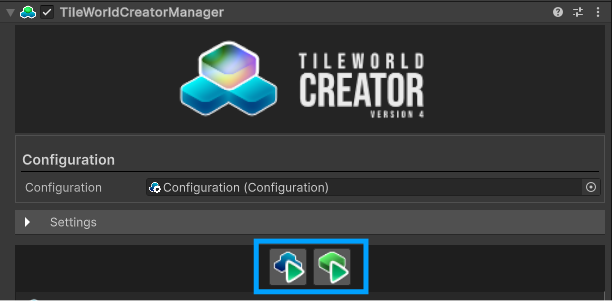
To start a map generation use following buttons.
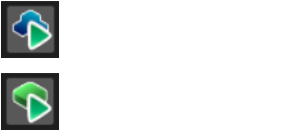
### Execute Blueprint Layers
Executes only the blueprint layer stack from top to bottom.
### Execute Build Layers
Executes all layers from to bottom and builds the tilemap.