> For the complete documentation index, see [llms.txt](https://giantgrey.gitbook.io/tileworldcreator-v4-documentation/llms.txt). Markdown versions of documentation pages are available by appending `.md` to page URLs; this page is available as [Markdown](https://giantgrey.gitbook.io/tileworldcreator-v4-documentation/samples.md).
# Samples
Samples must be installed from the Samples tab in the Package Manager. Open the package manager, select - **In Project** - choose TileWorldCreator and click on **Samples**.
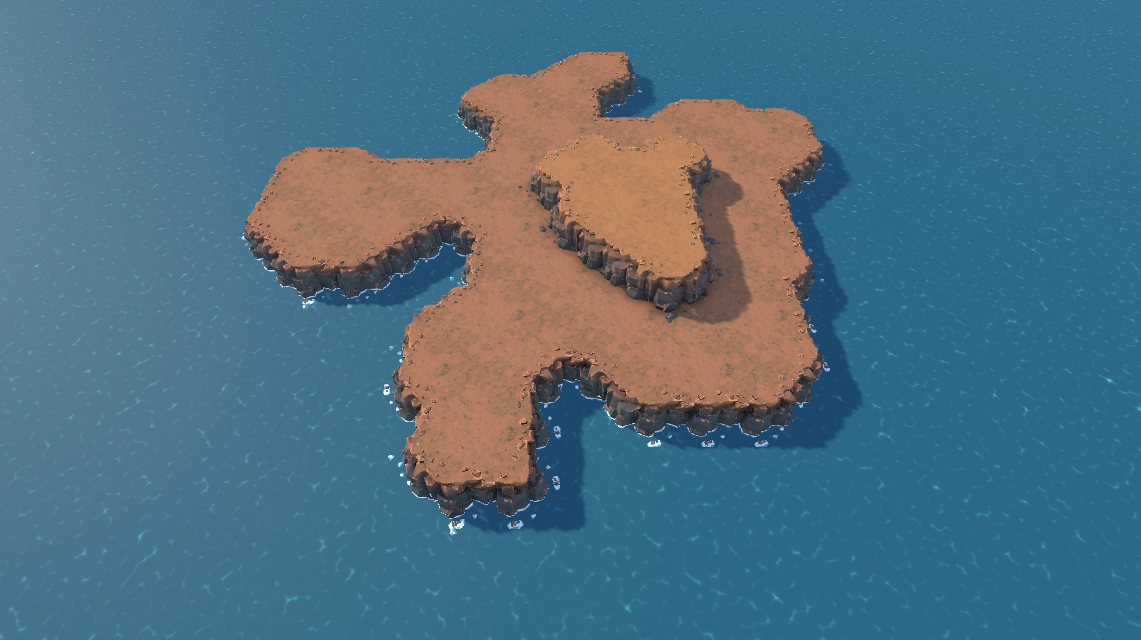
## Cliff Island
A nice presentation of the cliff island tiles using the cellular automata for the island generation.
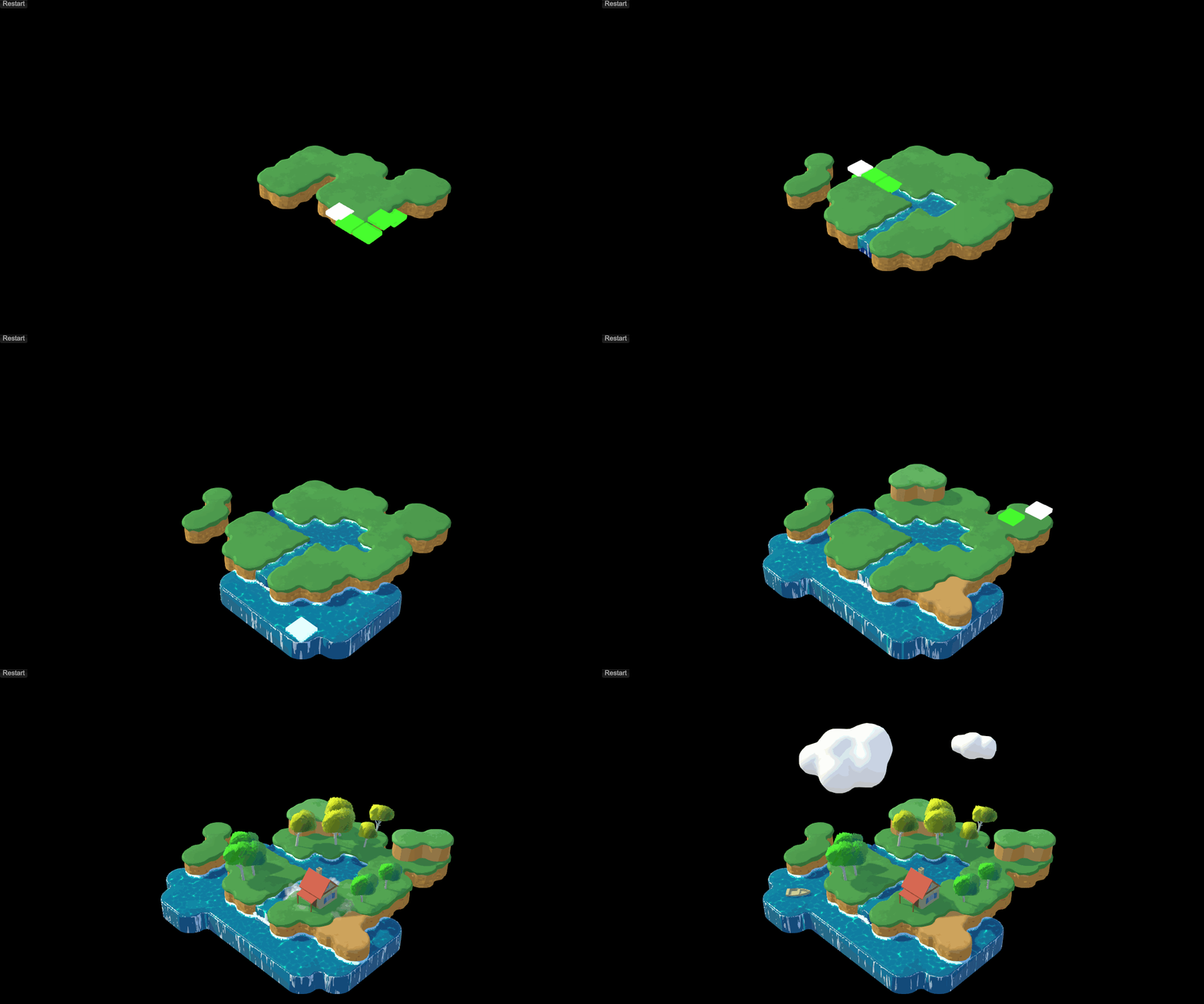
## Stylized Island
This sample has two scenes where in the auto run scene, the island gets build at runtime using a custom script. Each layer gets build based on empty game objects in the scene which define the position. To run this scene with animations, please make sure to install the excellent PrimeTween (free) from the AssetStore.
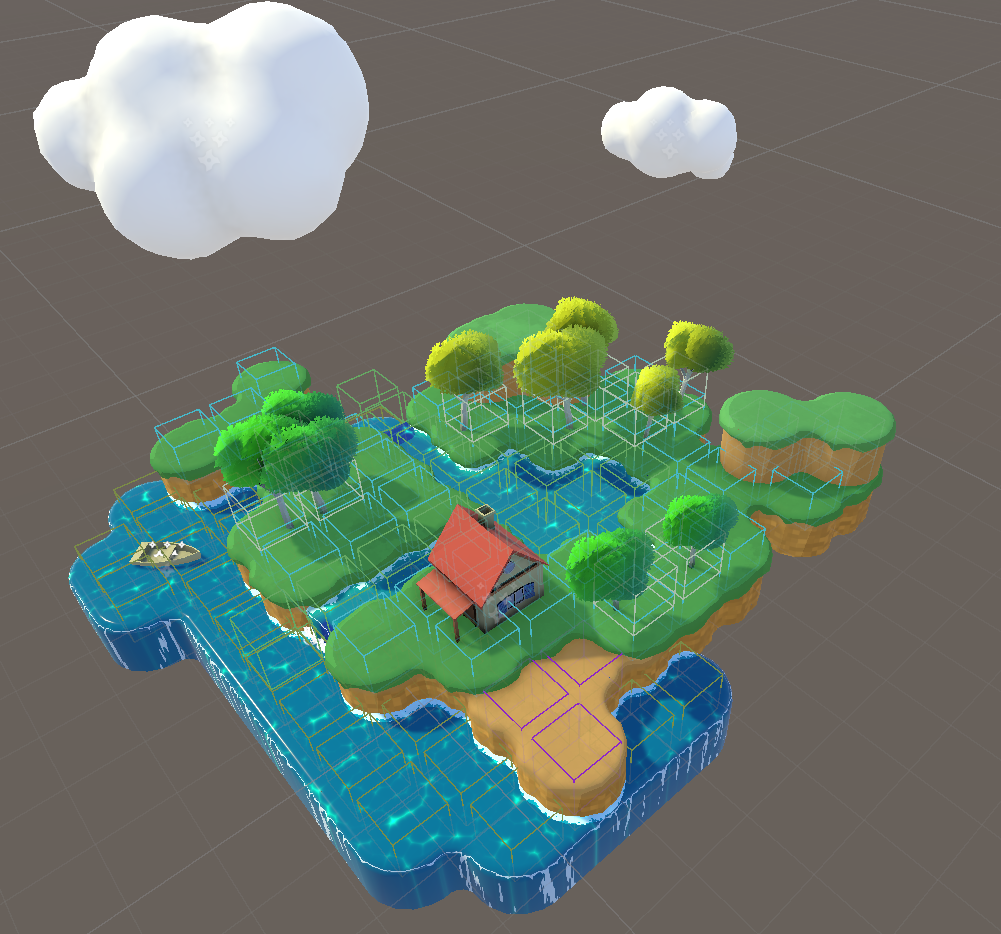
Each wire cube represents a grid cell position which gets added to a blueprint layer at runtime
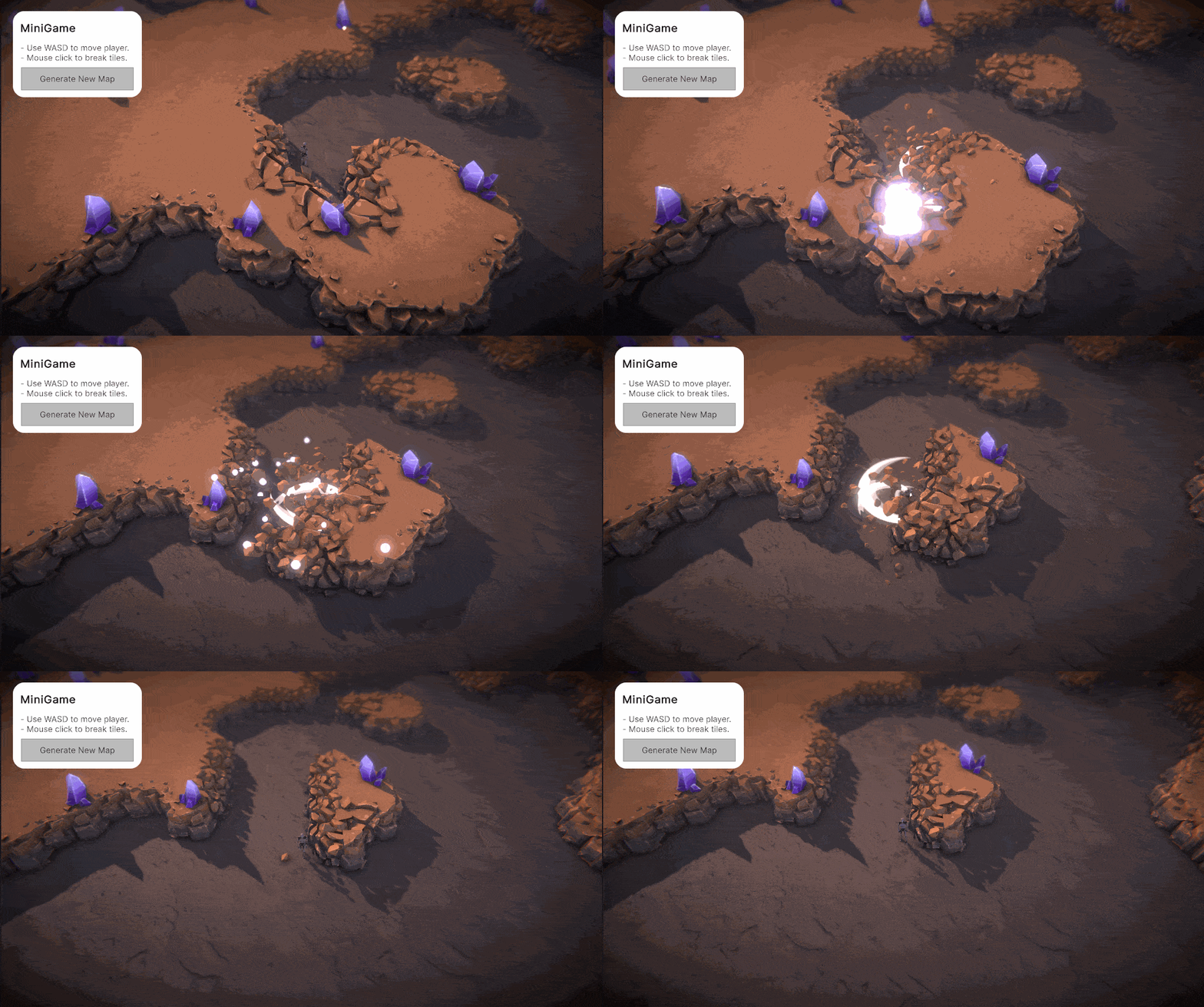
## Deep Rock Crystals
This is a simple game where you can walk around, destroy tiles and collect crystals. This sample is also a nice demonstration of how you can modify tiles at runtime.
## Runtime Editor
This sample scene effectively demonstrates how to perform runtime map modifications, apply presets, and handle saving and loading.
## 2.5D Island
This sample uses the 2.5D tileset, which relies on a custom shader with a mask texture. The mask texture determines which texture to display based on the mask’s red, green, and blue channels. You can easily swap out these textures or create your own custom mask texture.